 BTA F&B
Customer segments
For: Owner
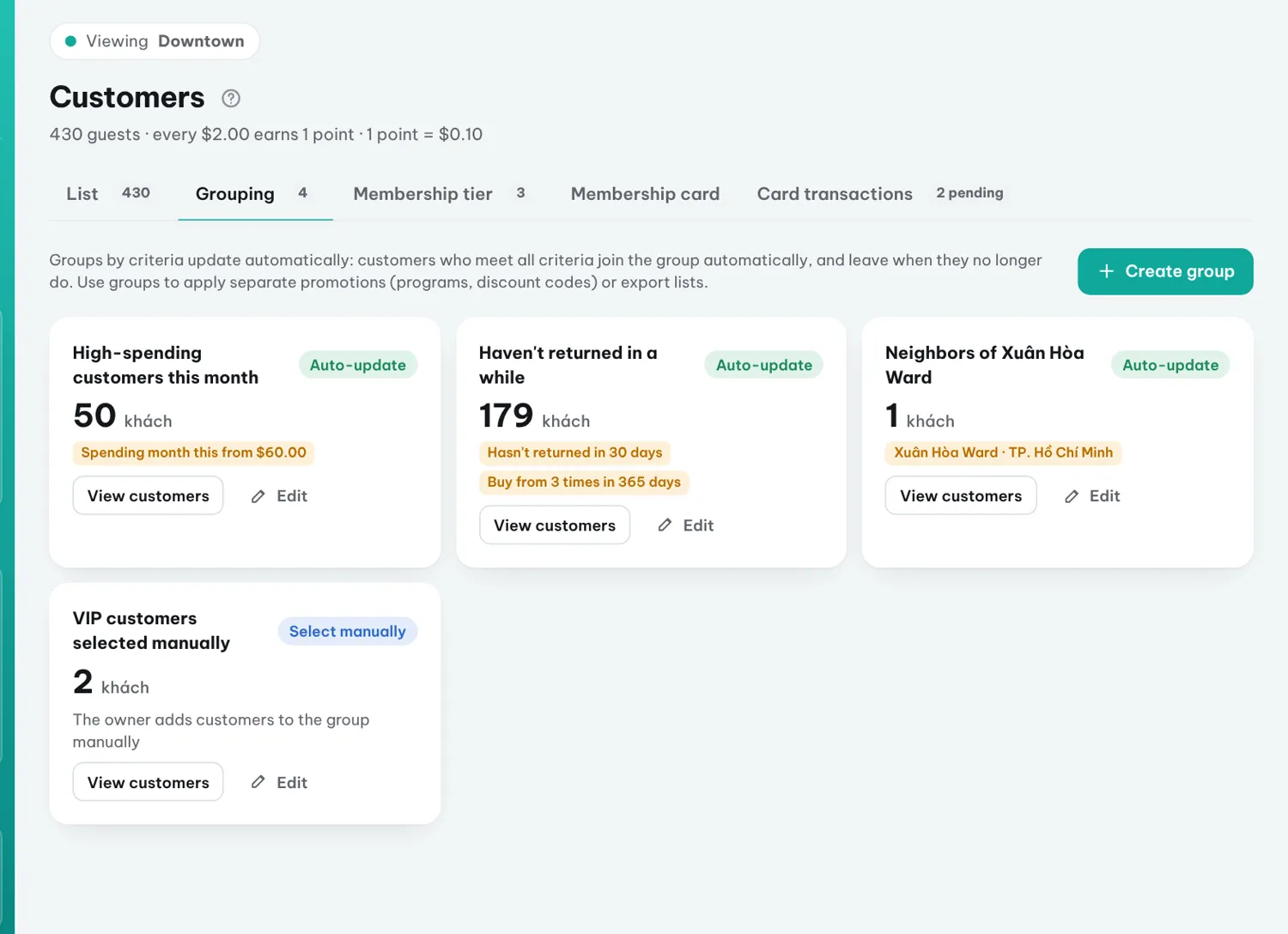
Go to Customers, open the Customer segments tab, and click Create segment.
- Automatic: set the criteria (spending this month of at least …, not back for … days, purchased at least … times in the last … days, city / state / region…). Customers who meet all the criteria join the segment automatically, and leave it automatically when they no longer qualify.
- Manual: the owner adds customers to the segment by hand (for example, VIP customers). Click the search box to show the customer list; type a name or phone number to filter, then click each customer to add them.
Use segments to:
- Apply a promotion campaign or promo code to that segment only.
- Send a notification to the segment, for example a promo code for customers who haven't been back in a while.
- Click View customers to see the list and export it.
Still stuck? Message us on WhatsApp. WhatsApp