 BTA F&B
Service model and sales channels
For: Owner
Go to Settings › Service model. This page decides how your venue runs; at the bottom, the Your venue will run like this section summarises it in plain words so you can check it.
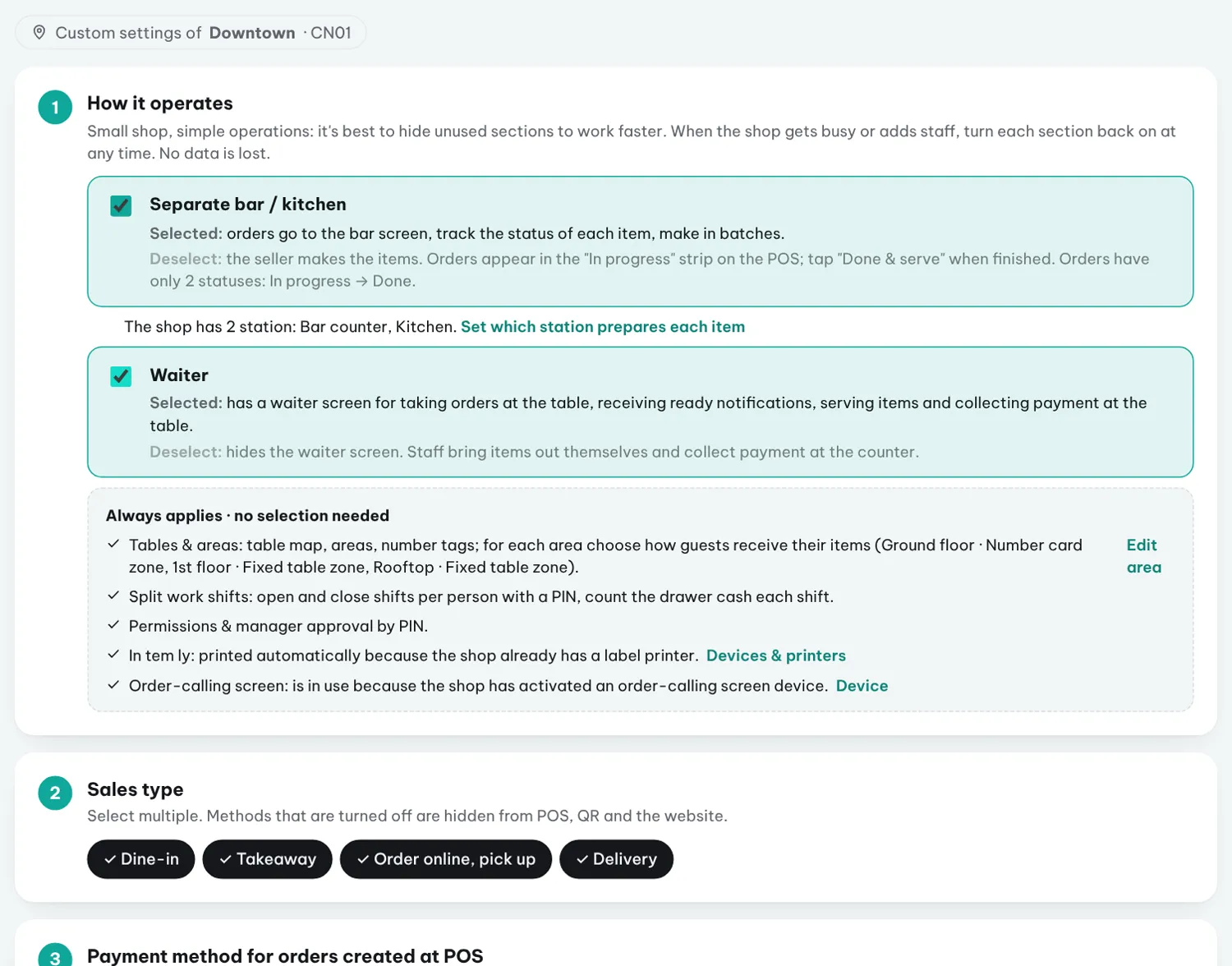
1. How you operate
- Separate bar / kitchen: orders go to the bar screen, where you track each item and prepare in batches. If you clear this option, the seller makes the items themselves: orders appear in the Orders in progress strip on the POS, and when finished you tap Done & serve.
- Waiters: you get the waiter screen to take orders at the table, receive "item ready" alerts and collect payment at the table. If you clear this option, the seller brings the items out and collects payment at the counter.
Small venues should turn off options they don't use so they can work faster. You can turn them back on at any time, and no data is lost.
2. Sales channels
Select as many as you like: Dine-in, Takeaway, Online order, pickup, Delivery. A channel that is turned off is hidden from the POS, QR codes and the website.
3–5. When customers pay
| Order from | Pay now | Pay later |
|---|---|---|
| POS (cashier) | Payment is taken when the order is created; turn on Pay later for each order, which requires the "Allow pay later" permission or a manager PIN | Counter, pickup and delivery orders default to pay later, added up on the table bill / tab |
| Waiter | Payment is taken before the order is sent to the bar | Rounds are added to the table bill and paid when the guests leave |
| Customer scans the QR code at the table | The customer pays online right when ordering, and the order goes to the bar only once the payment arrives | The customer orders and pays when leaving; counter staff approve the table's first round |
Still stuck? Message us on WhatsApp. WhatsApp