 BTA F&B
Stocktake
For: Owner, Cashier
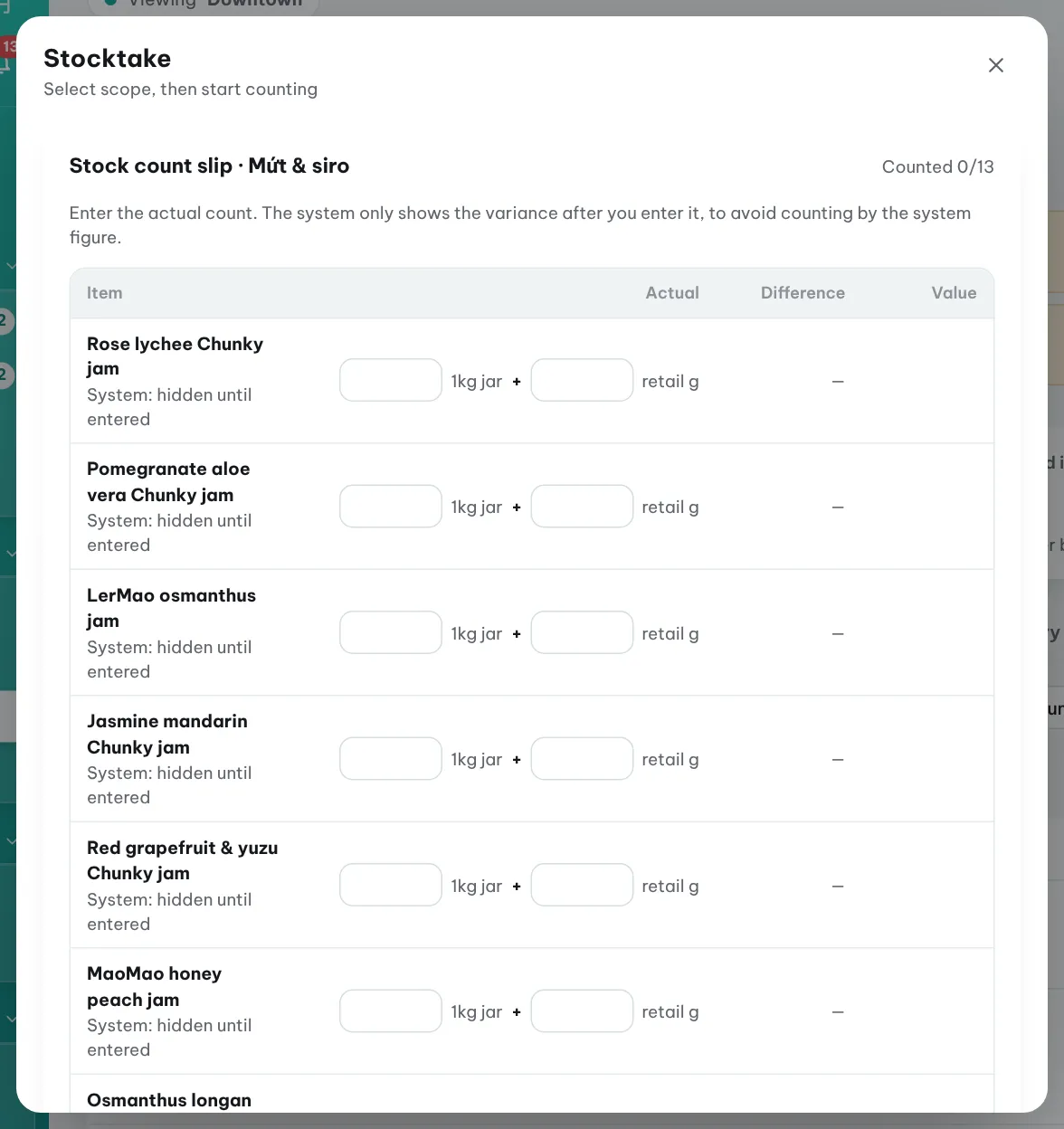
- Go to Inventory, click Stocktake, and choose a scope: a single group (Jams & syrups, Tea…), Semi-finished goods (end of shift), Ready-to-sell items, or All ingredients.
- Click Start counting. Enter the actual count for each item (enter it by pack size and the system converts it automatically). The system only shows variances after you have entered your counts, so you are not tempted to copy the figures on screen.
- Review the Short / Over / Match column and Value variance. If you counted wrong, click Recount on that line.
- Click Adjust stock to count. Inventory is adjusted to the actual figures; the stocktake record is saved in Stocktake history along with the name of the person who counted.
Still stuck? Message us on WhatsApp. WhatsApp